Sometimes you may come across a purchase that you haven’t made. Now, Microsoft has made it easy for you to view purchases made using your bank details on the Microsoft & Xbox store. This article will guide you through the process where you can investigate where these charges have come through and what Microsoft account has made these charges with your bank information.
You will need to sign into your Microsoft account. Once you have done, you should see your payment methods on your account along with your Microsoft account balance. When the page loads, you should see a list of transactions in the past 60 days that have used your payment details.
Please can you click onto the hyperlink “Investigate“
This will open a side panel on the right-hand side of your screen which will display your bank details that are stored on your account and ask for a CVV code.
Please select the right card where money has been taken out of your account on. Then enter the CVV code that is on the back of the card. Once you have done this, please click onto submit.
This will load up the recent transactions for that card. This will include transactions from other Microsoft accounts that have used your bank details too.
Please click onto the blue arrow facing to the right to view more information about the charge.
This will bring up details about this charge, including part of the account it has been linked to. You can use this to sign into the account and cancel the subscription or request a refund.
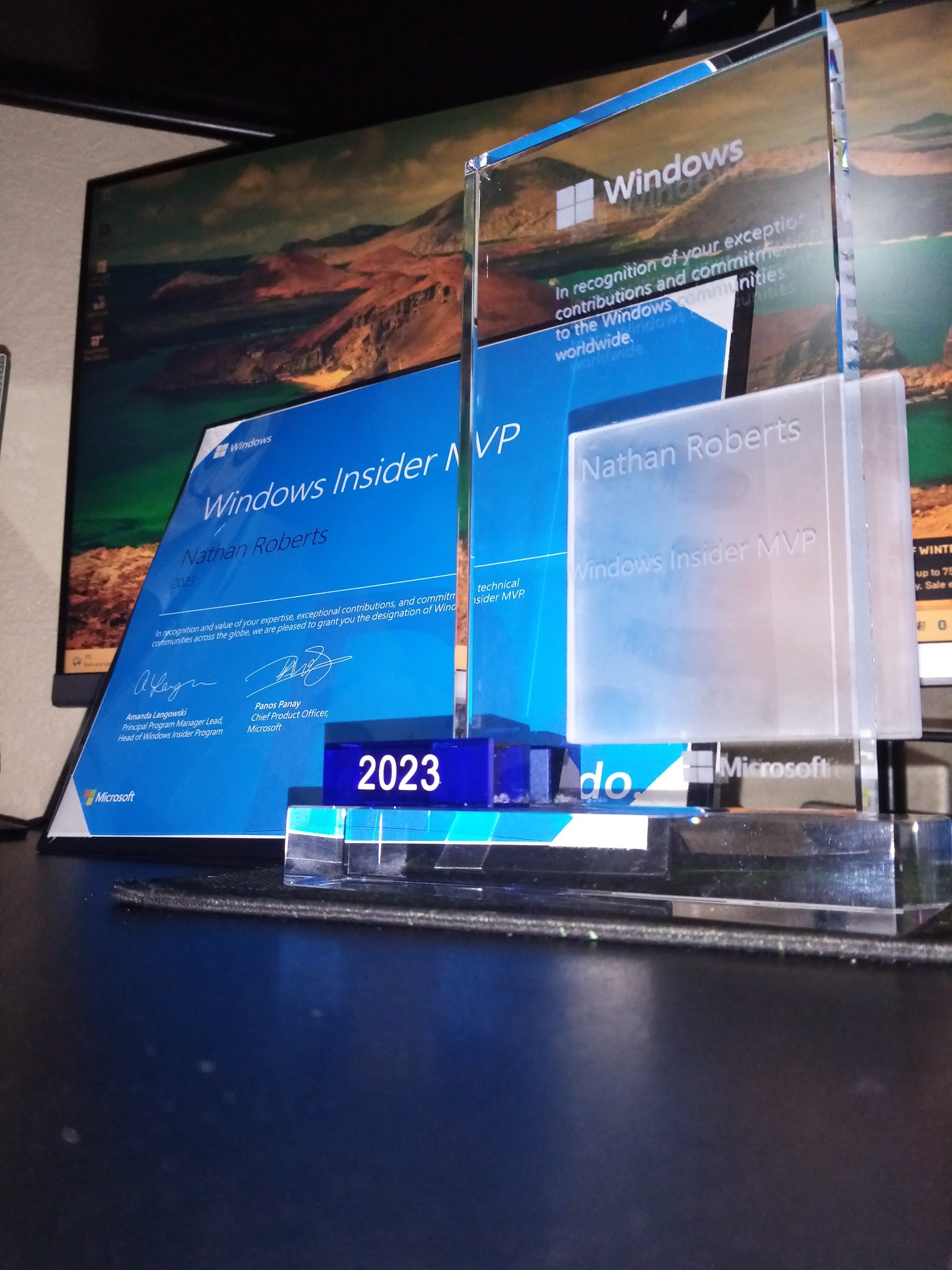
In the third week in January 2023 I received an email from the Windows Insider Most Valuable Professional (MVP) team, congratulating me on the award.
Email from the Windows MVP team congratulating me on the Windows Insider MVP award for 2023
The award was issued based on my contributions made on the Microsoft Community, for testing Windows Insider updates (submitting feedback and completing challenges) and helping those in the community with Windows related questions.
What is the Windows Insider MVP award
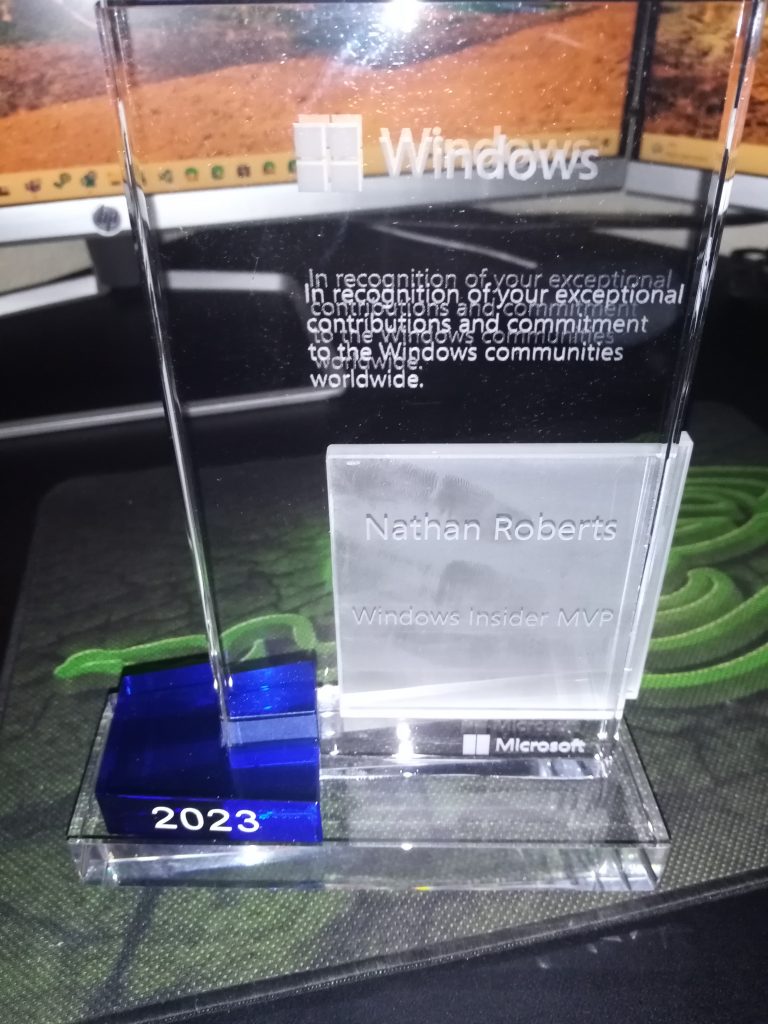
Windows Insider MVP award
The award recognises those who have made extraordinary contributions to the Windows communities world wide. People who demonstrate their passion and enthusiasm for helping people and shaping Windows are what the Windows Insider MVP team are looking for. These people are seen as community leaders.
MVPs help folks on online communities such as the Microsoft Community, Microsoft Tech Community and any other online community that focuses on Windows. This doesn’t have to be a Microsoft owned community. This can be anything from posting on social media sites to helping people on online forums.
They author blog posts and books on Windows which help people. These can either be written on your own websites or on online communities (if you have permission to do this). These could be on new features that are coming soon, or articles on how to solve commonly asked questions.
MVPs may host in person events, or online events (Such as podcasts), where they can talk about new versions of Windows. Help people by showing them how to use Windows or answering their questions. They may talk about new features that are coming to Windows. Then allow people to speak to them about these new features and what they think of them.
Most importantly, Windows Insider MVPs are active in the Windows Insider program. They will be testing new releases of Windows and submitting feedback to help shape the future of Windows. They submit feedback via the Windows Feedback hub or through the dedicated channels to the Windows Insider team.
My contributions for last year was a mixture of Moderating, helping people on the community, authoring articles and testing Windows Insider updates.
I am actively moderating the Microsoft Community (https://answers.microsoft.com) as a Volunteer Moderator (VM). Most of my time is spent making sure the community is a safe and welcoming space for everyone who comes and visits. Making sure questions are in the right place, so the user is able to get the best possible support.
When I wasn’t moderating, I was participating in threads answering questions and helping users with their problems. I am found in the Xbox, Windows, Edge and Office forums mainly. If I wasn’t answering questions, I was writing articles to help people with commonly asked questions or guides on how people can make use of new features available to Windows, Xbox, Office and Edge.
Each week I was testing new updates in the Windows Insider program. My home PC is running the Dev flights (Insider builds), and I am actively looking at new features to test out. When I encountered bugs, I submitted feedback via the Feedback hub.
Throughout last year, and this year, I have been active in my local community. Helping people with questions they have with Windows and other Microsoft products, voluntary. These are through in person events that people can come to to ask me questions about Windows and I will try my best to answer those questions.
You will notice this error show when you are trying to add an account to the Mail App on Windows 10. The cause of this error can be based on multiple factors, which is why this troubleshooting guide will help to try and resolve this error.
When reading though the community, and though my own experience, this error looks to crop up when the app is not up to date, Windows is not up to date or if there are corrupt files within the app files or Windows files.
While we are just getting started with Spring. Microsoft is going to be rolling out the Spring Creators Update for millions of Windows 10 devices around the globe. With this update, we will be seeing more features for us to use – or play around with, if your like me!
Why not get a head start and find out what features are coming.
In this article I will be guiding you through the process of changing the AutoPlay settings in Windows 10. For those of you who learn better with videos, I have attached my YouTube video here as well.
I have come across a few people, who I help in person, and on this community (As well as many others). This is often the question I get asked. This is why I have created this article, to help you understand Live Tiles and how they are supposed to behave.
Now, this is news that everyone has been waiting for. The ability to change your picture to a custom picture in the Xbox One App!
This article will outline, step by step, how to change your profile picture on the Xbox App, for use on Xbox Live. It will walk you though the Xbox App, and even adding your own custom images as profile picture.