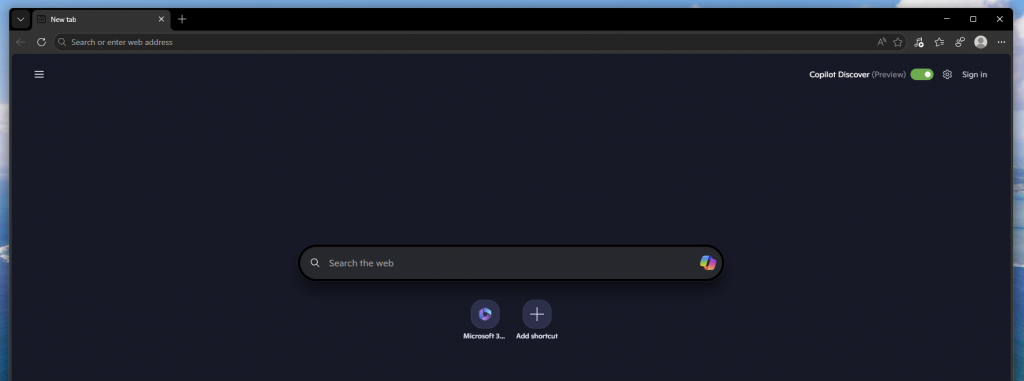
Microsoft Edge is a web browser developed by Microsoft using Chromium. The articles below cover various topics related to Edge, including guides on how to use and set up its features, as well as news and announcements about the browser.
- Immersive Reader in Microsoft Edgeby Nathan Roberts (SN)This article walks you through how to use the Immersive Reader in Microsoft Edge.
- Keeping your accounts secure using Edgeby Nathan Roberts (SN)This article will provide tips on how to keep passwords secure with Microsoft Edge.
- Turning off the MSN Newsfeed & Content in Microsoft Edgeby Nathan Roberts (SN)Learn how to turn off the MSN Newsfeed and content in Edge
- Installing Extensions in Microsoft Edgeby Nathan Roberts (SN)The new Microsoft Edge browser allows you to install extensions from Google Play and Microsoft Edge store. If you want to learn how to install extensions from either of these stores, this article will be a good place to start.
- Updating Microsoft Edge (Chromium)by Nathan Roberts (SN)The Edge browser does not relay on Windows updates to update the web browser. This allows Edge to be updated more frequently. This article will walk you though how to install updates for the Edge browser.
- Saving Passwords on Microsoft Edge (Chromium)by Nathan Roberts (SN)Microsoft Edge stores passwords for sites you frequently visit which make it easier for you to keep track of passwords you use when visiting sites. This article will explain how passwords are saved on Microsoft Edge and how you can update these saved passwords.
- Managing saved passwords on Microsoft Edgeby Nathan Roberts (SN)Microsoft has made vast improvements to where passwords are stored and how they can be accessed across devices. Passwords used to be stored in the browsers password manager which could have been accessed via the browser’s settings. However, with more people asking for the passwords to be accessed from other… Read more: Managing saved passwords on Microsoft Edge